

A little more connected.

Keep the
conversation
going.

iMessage campaign outreach, with CRM context.
Contacts, planning, and your team in one clear space.

Try a real conversation.

A demonstration.
By text.

Request a demonstration or ask our team to get in touch.

Read the Terms and Privacy Policy.

Checking the dedicated demonstration line…

Your browser keeps this form’s request details so you can check for confirmation. A browser-saved request is not confirmation that Bubbles received it.

CONNECTION, WITH CONTEXT.

People first.Details in place.Room to grow.

A different kind of hello.

Same inbox.
A different first impression.

iMessage brings photos, read receipts and typing indicators to conversations on supported Apple devices.

THE FAMILIAR FORMAT

Standard SMS

Conversation example
ReceivedHello. Let’s make time to talk.
SentSounds good. What time works?
  • Text messages
  • No read receipts
  • No typing indicators
A RICHER CONVERSATION

iMessage

Conversation example
ReceivedHello. Let’s make time to talk.
SentSounds good. What time works?
  • Photos, videos and files
  • Read receipts, when enabled
  • Typing indicators

Message features vary by device and settings. These examples compare standard SMS and iMessage.

About message types

Meet Bubbles.

An AI agent.
A personal touch.

A little help with your next reply.Bring conversation history into a draft. Your team reviews the wording and chooses the next step.

01 / PERSONALIZE

Make each hello personal.

Bring the contact’s history and account context into the message, with a tone and purpose shaped around the person.

02 / FOLLOW UP

Keep the thread.

Carry earlier conversations into the next step, so a follow-up can feel like a continuation instead of a fresh start.

03 / NURTURE

One relationship at a time.

Plan individual next steps and keep each contact’s needs in view as the relationship develops.

Clearer days. Better follow-through.

Behind every message,
there’s a person.

Give your team the context to pick up the conversation. Organize contacts, shape a campaign, and keep the next step in view.

Explore the workspace
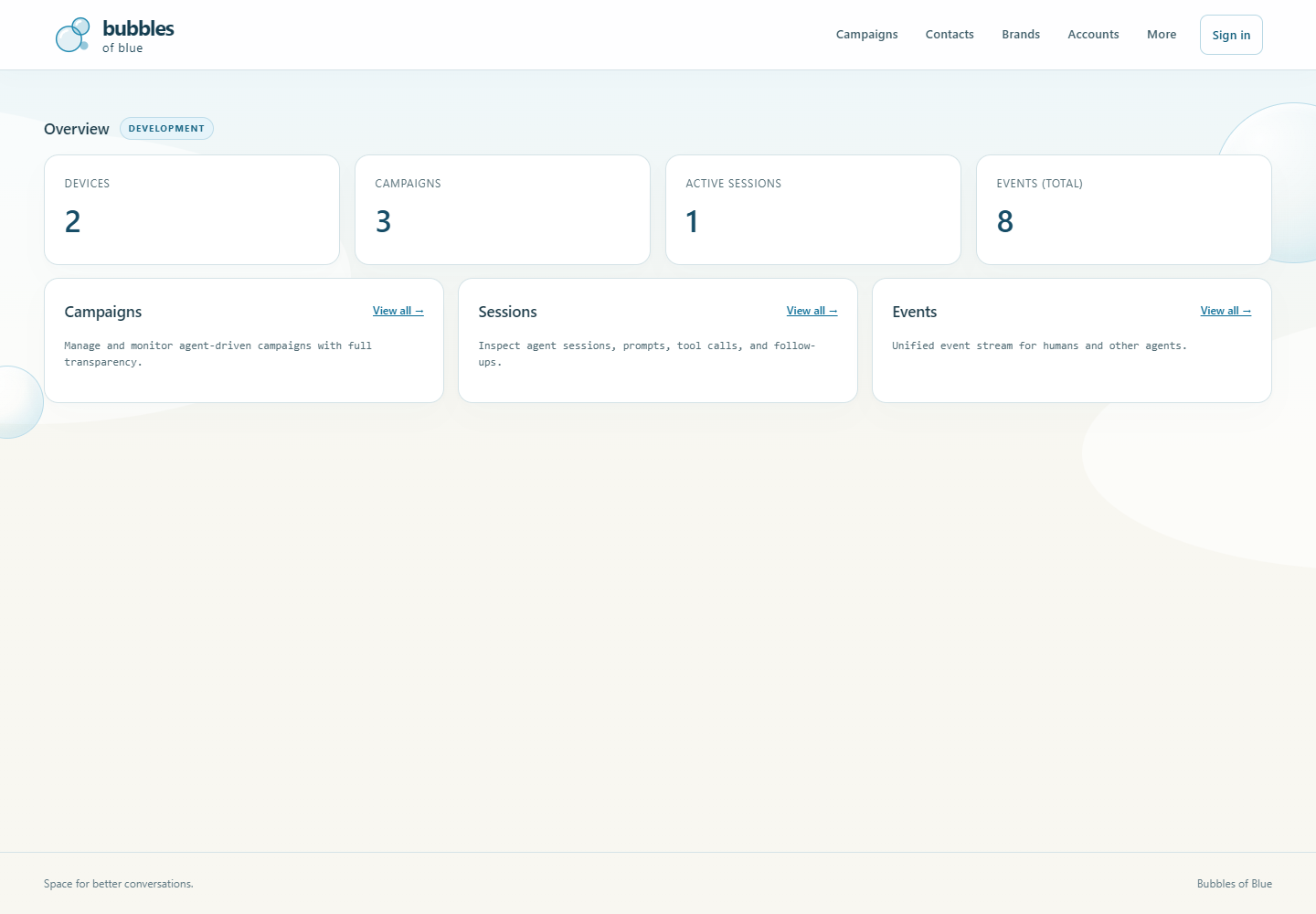
Interface design preview showing an overview, sample activity cards and example data
Workspace preview Example data.

Less scattered. More connected.

A place for the whole
conversation.

01 / ORGANIZE

Know your people.

Keep contacts and their context close, so the next conversation starts with more than a name.

02 / PLAN

Give it a purpose.

Bring campaign details, content, and review into a workspace your team can follow.

03 / CONNECT

Work in your rhythm.

Discuss the channels, CRM connections, and team setup that suit your business.

Make it feel like a conversation.

A little message.
A human connection.

Start with a purpose, bring the context, and leave room for a reply. The people on the other side are what make the conversation matter.

See how it comes together

Part of your working world.

Your relationships
already have a home.

Let’s talk about how Bubbles fits your CRM and the way your team works.

HubSpotHighLevelZoho CRM
Explore integrations
A conversation is a good place to start.

Make room for
what’s next.

Contact Sales